Clance
Claude Code, one hotkey away, anywhere on your Mac. A menu-bar app that pops up the real Claude Code CLI over whatever you're doing, and has grown into my main dev app and agent manager.
What it does
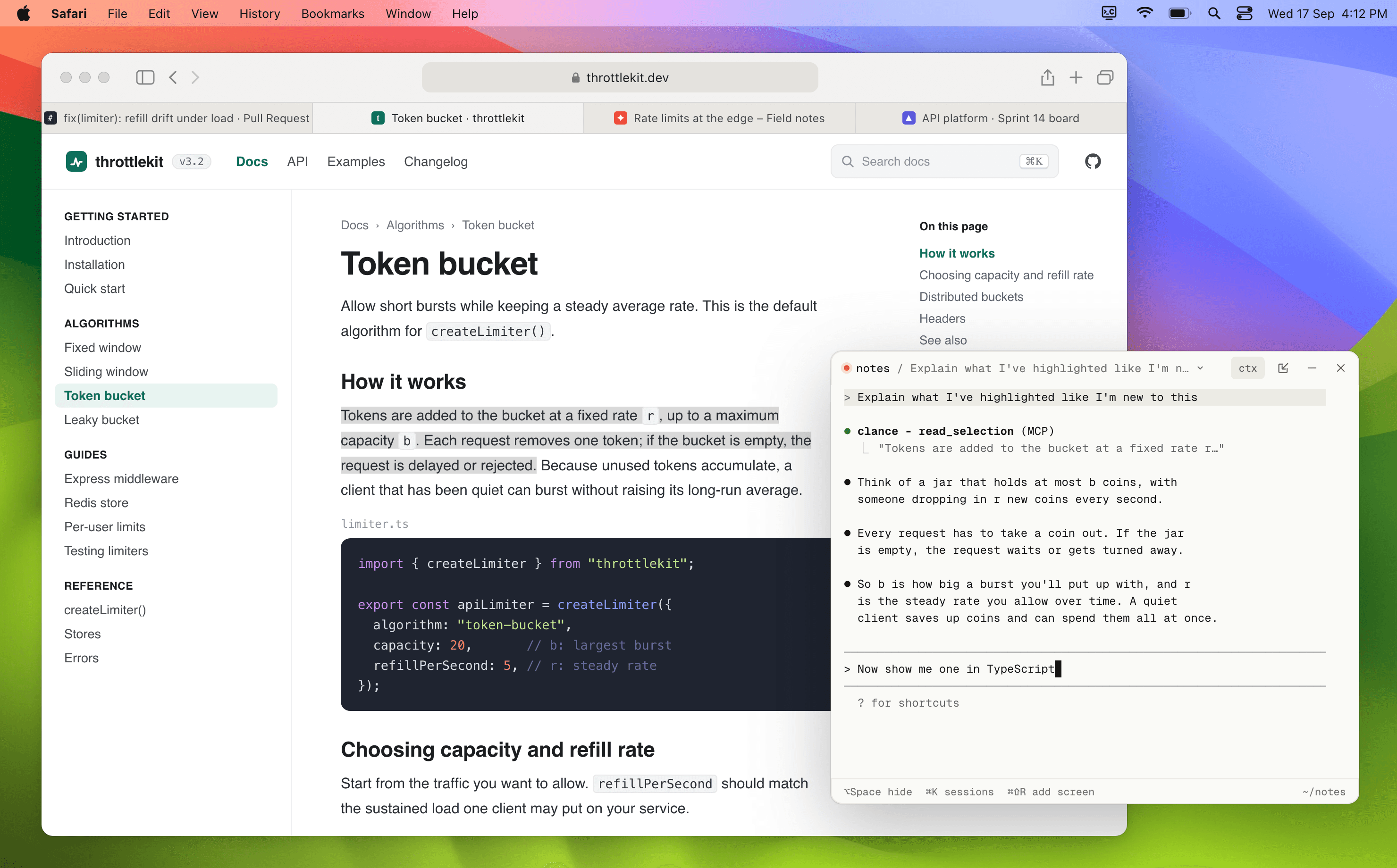
Press ⌥Space and a small floating terminal opens near the cursor, running the actual claude CLI with my own skills, MCP servers, hooks and plugins. Hide it and the session keeps running in the background.
Clance gives Claude a set of computer-use tools over a local MCP server: look at the screen, read a window's text, read the selection or the focused field, list open windows, click a control by its label, type into a field, or bring an app forward. Other apps are read as text through the macOS Accessibility API, with a screenshot only when a picture is needed. Nothing is captured in the background, password fields can't be read, and every action on another app goes through Claude Code's normal approval prompt.
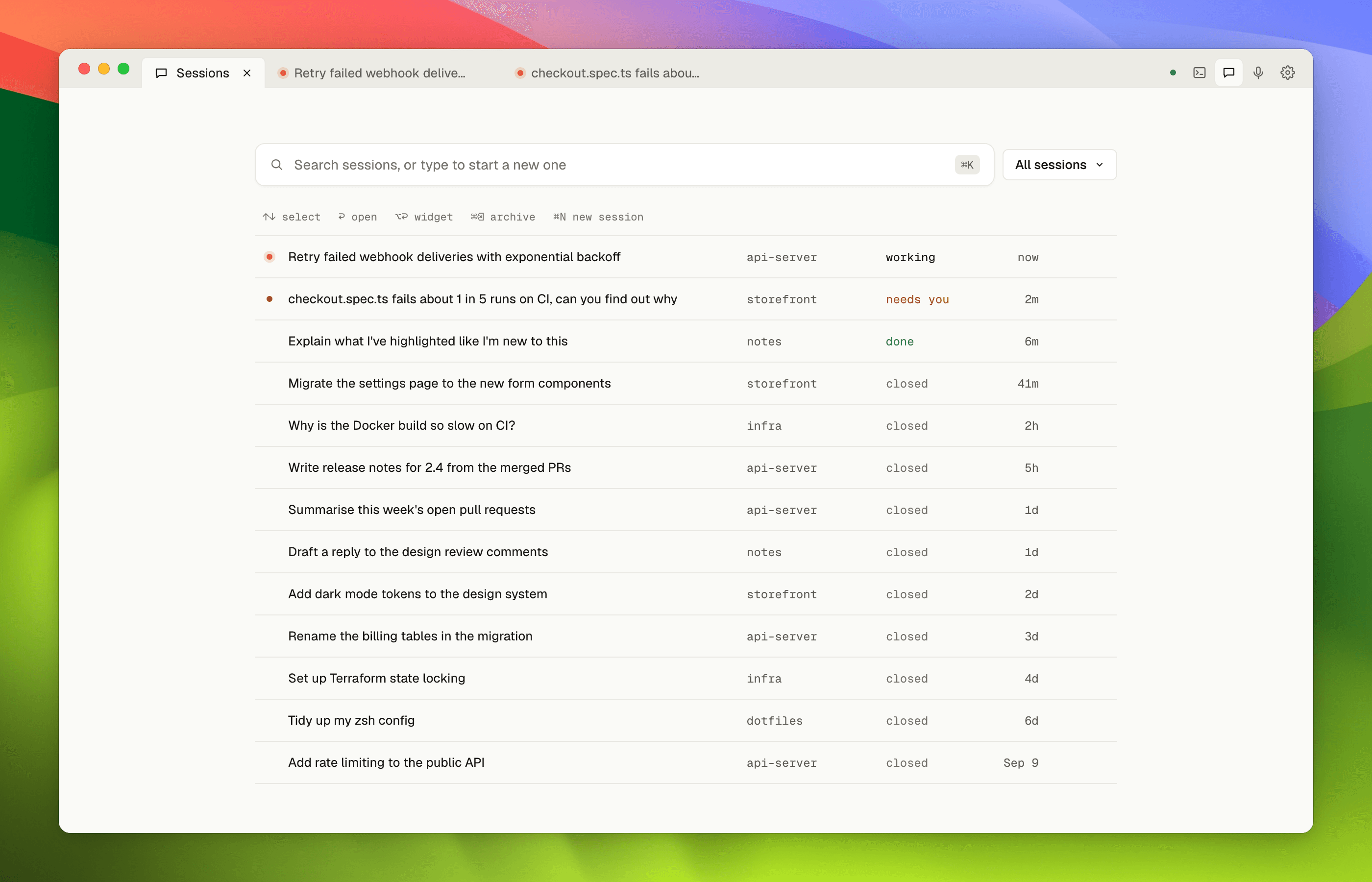
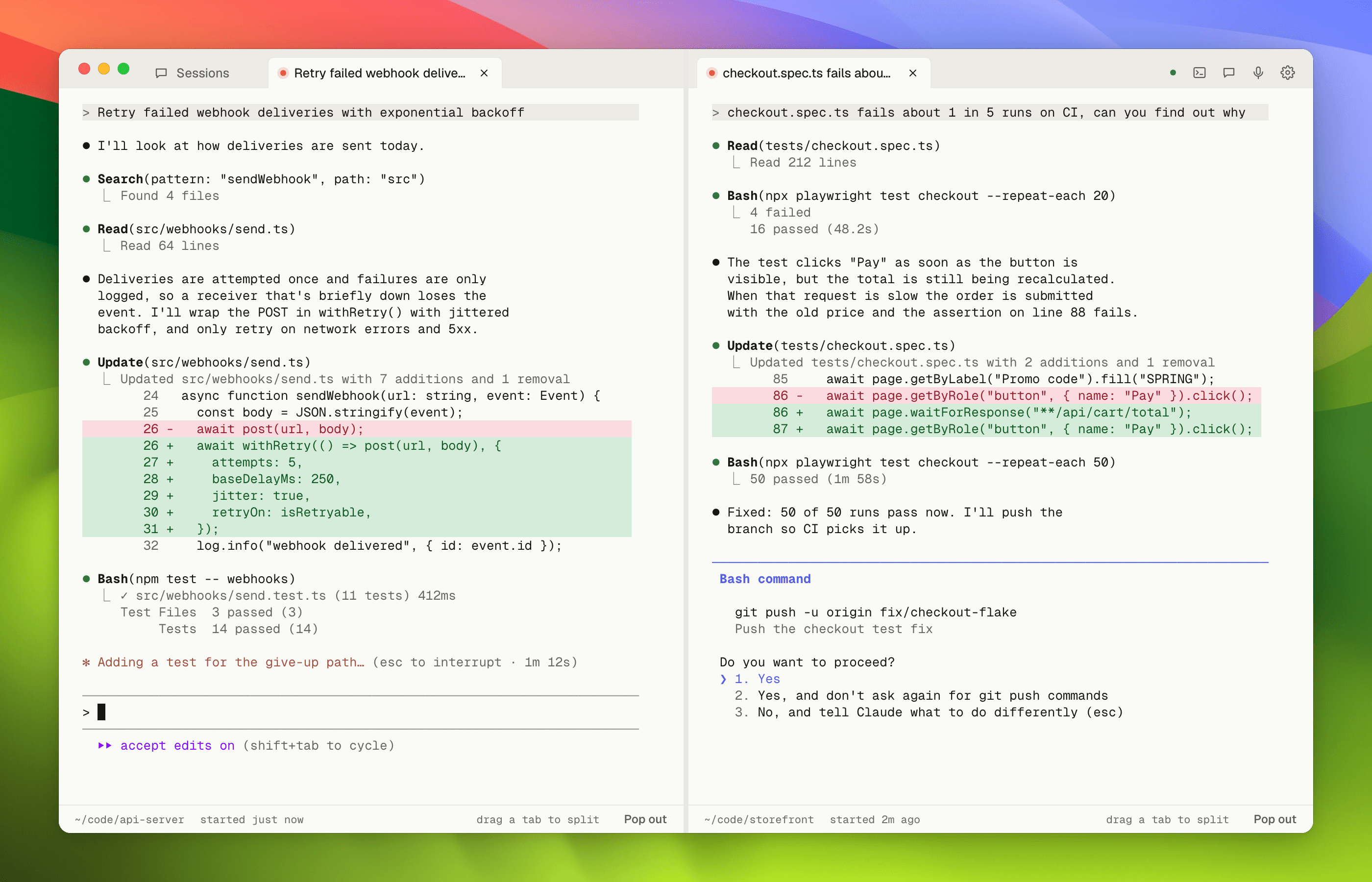
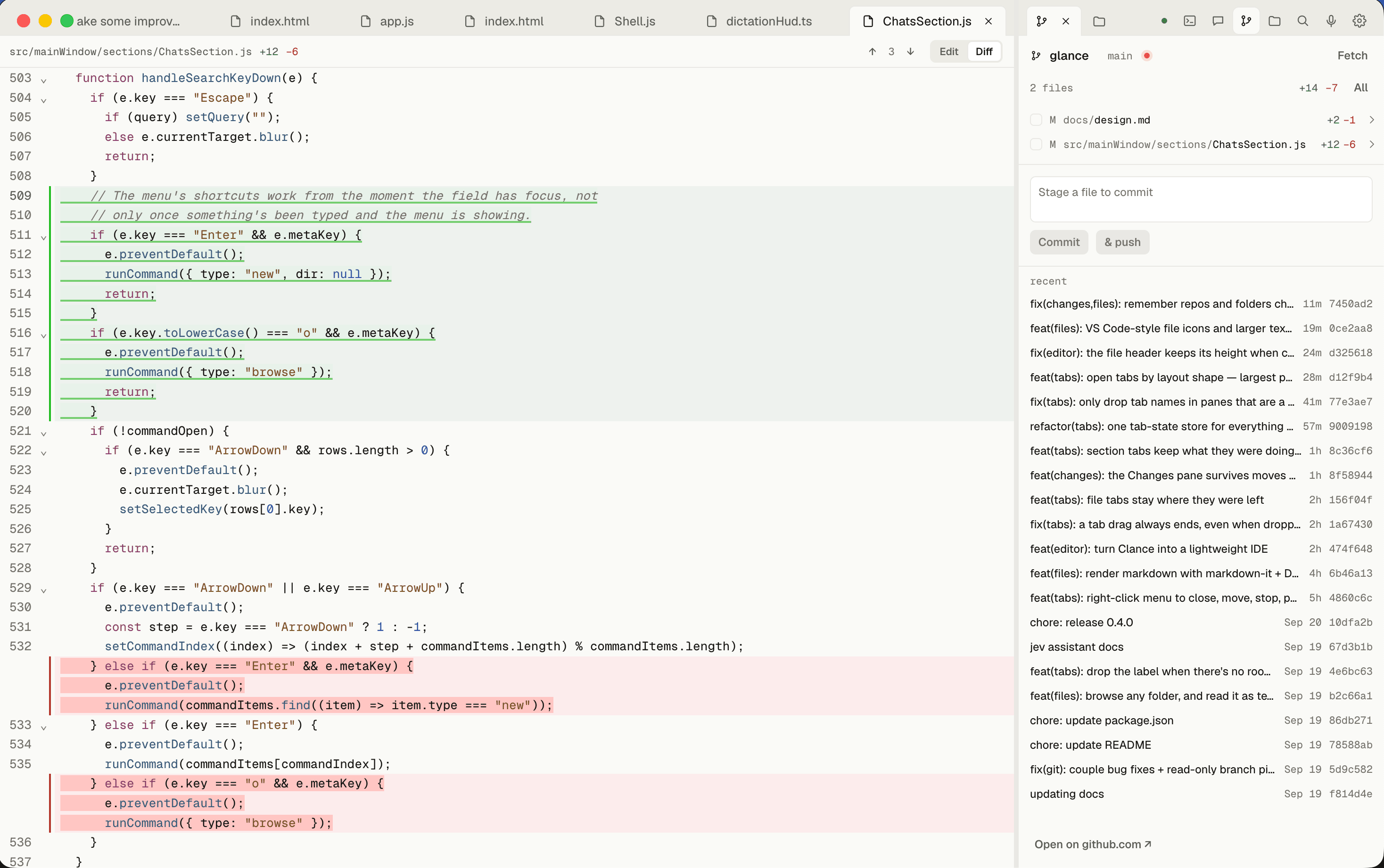
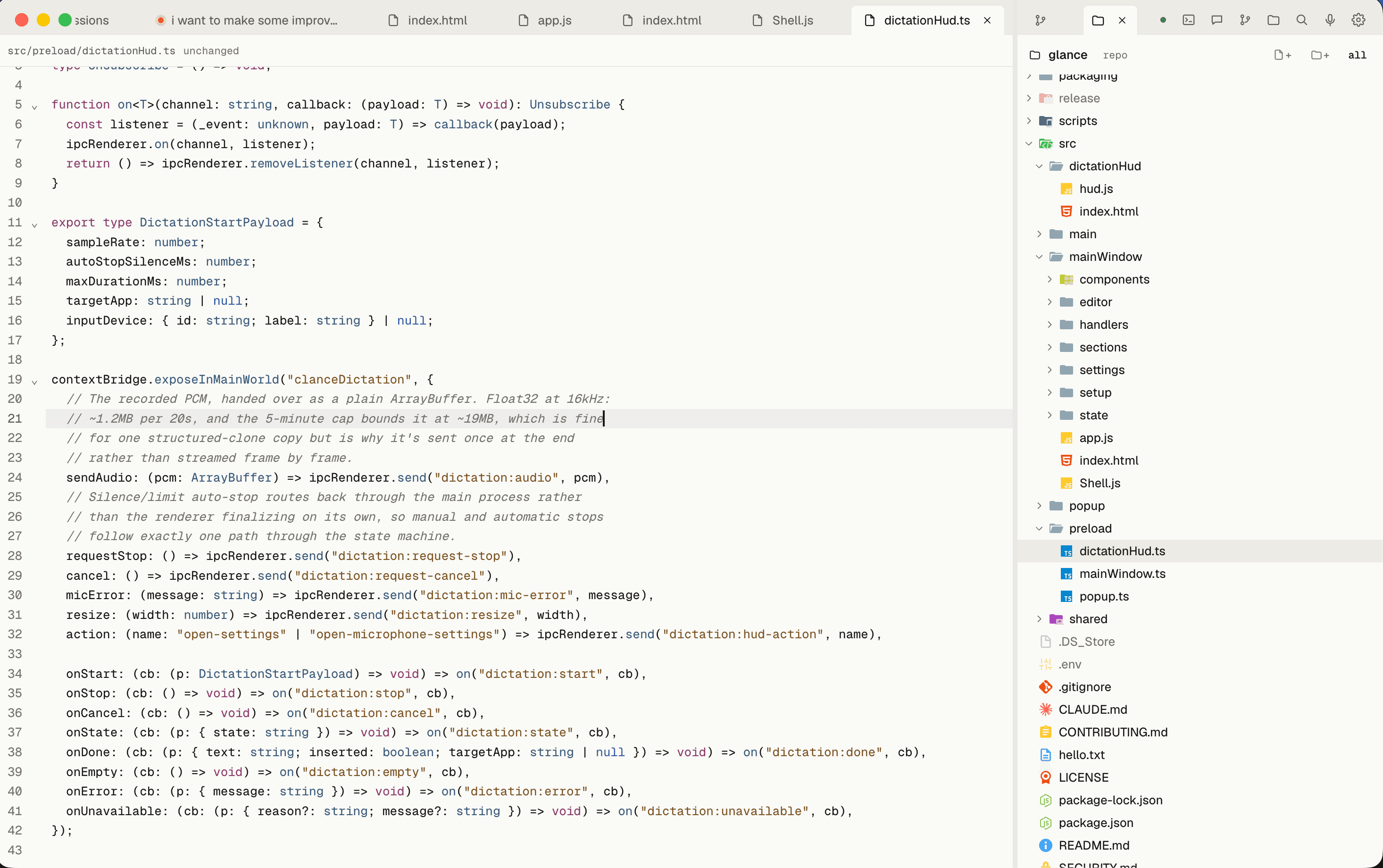
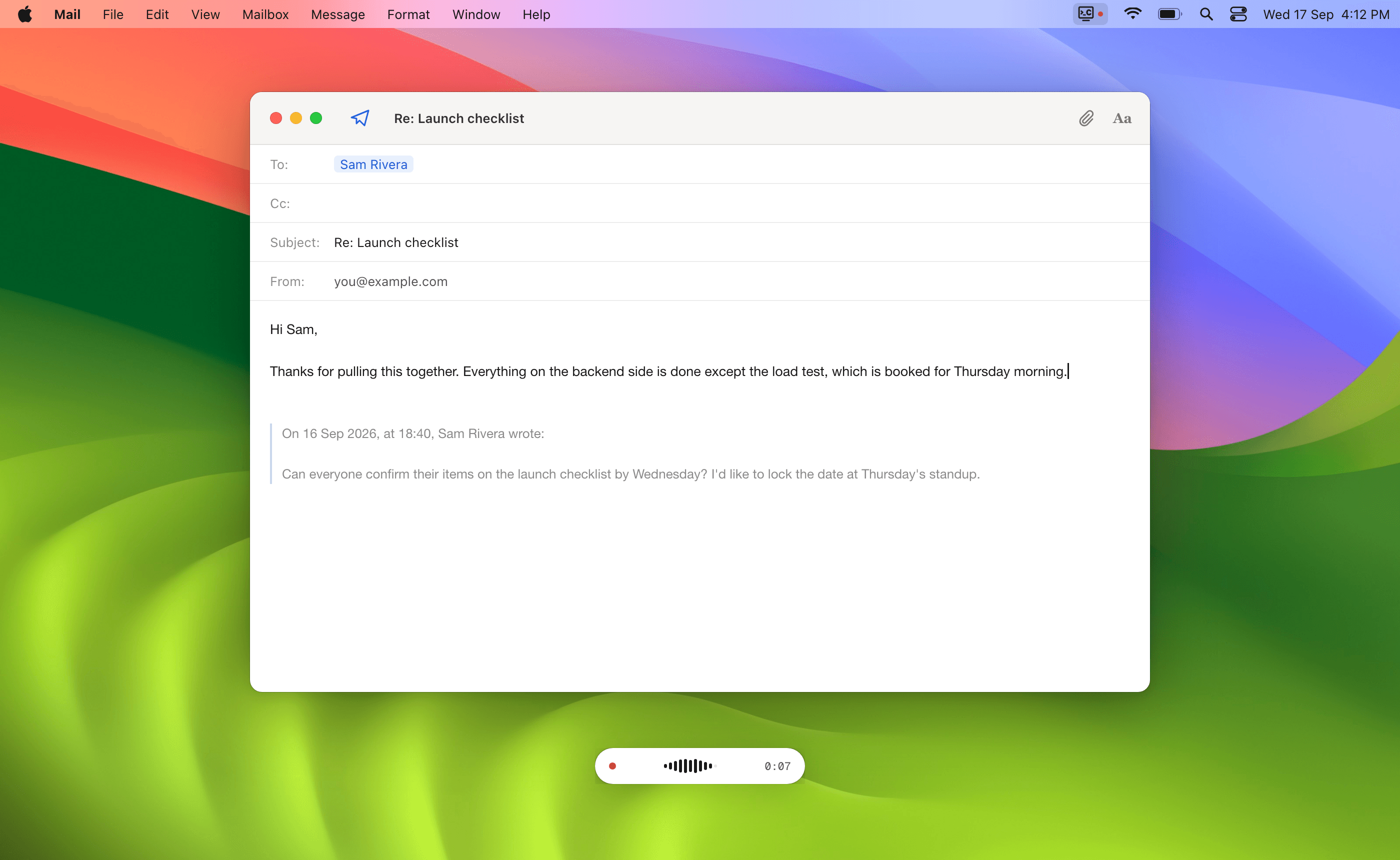
The main window turns it into a dev app: a list of every Claude Code session on the Mac with search, pinning and split panes, a live git diff with stage, commit and push, and a small CodeMirror editor. Every session is a background claude agent that Clance attaches to, so closing a window never ends the work. ⌥D starts on-device dictation in any app.
Old sessions kept losing their tools. Claude Code saves a session's MCP config when it starts, but my tools server picked a new port and token every time Clance launched, so older sessions pointed at a server that no longer existed. The fix was a fixed port per install, a token read fresh on every request, and returning 404 instead of 400 for unknown sessions, which makes the client reconnect instead of giving up.
- +147 commits and five releases in its first month
- +Installs with Homebrew: brew install --cask damiensmith1/tap/clance
- +On-device dictation with whisper.cpp; no telemetry